Some integrations need more than message routing or data transformation. They need a complete connection to a specific EHR or EMR platform. These connections often involve detailed authentication steps, batching rules, request patterns, retries, error handling, and strict security requirements. Building all of this by hand can take a lot of time.
To make this easier, Iguana includes several prebuilt EHR and EMR adapters. These adapters follow a consistent design that handles the workflow needed to communicate with real clinical systems. You can use them as they are, customize them, or use them as a template when building a new adapter.
This post explains the EHR and EMR adapters included with Iguana, what makes them different from standard Components, and how you can create your own adapter using the Shell Adapter.
What an EHR or EMR Adapter Is
An EHR or EMR adapter is a specialized Component built to integrate with a specific healthcare application. It contains all the pieces needed to communicate with that system in a reliable and repeatable way.
A typical adapter includes:
- Authentication and credential handling
- A consistent request and response structure
- Secure storage of sensitive fields
- Support for batching or paginated endpoints
- Graceful error handling and retry logic
- Helper functions for common API operations
- Input and output patterns that fit into Iguana workflows
These features allow the adapter to stay stable even when an external system rate limits, times out, or returns inconsistent responses.
Built In EHR and EMR Adapters
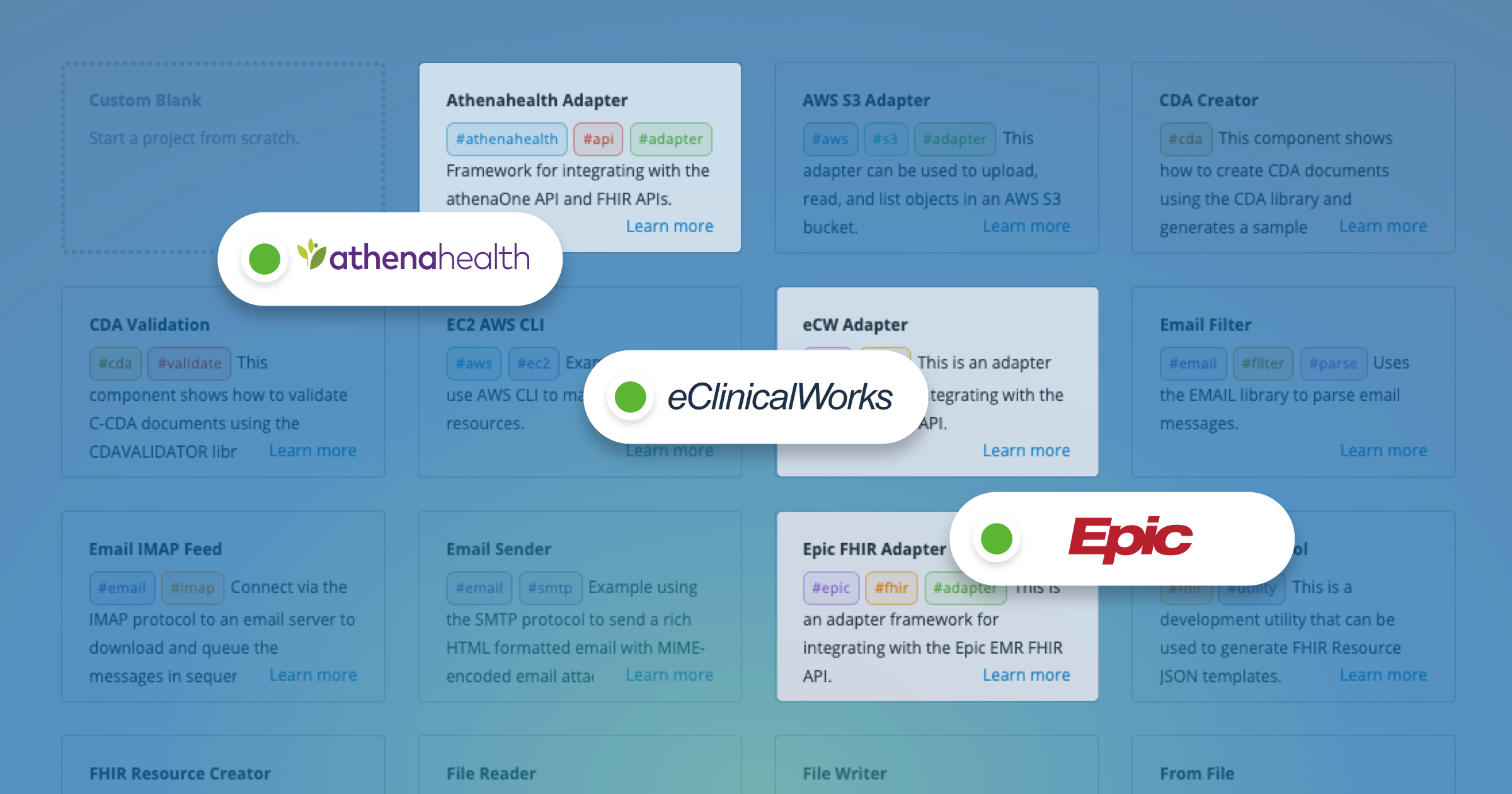
Iguana includes several prebuilt adapters for popular healthcare platforms. These adapters follow a shared structure so they are easy to understand and configure.
Epic EHR Adapter (FHIR)
The Epic adapter handles the common FHIR based workflows used in Epic environments. It includes:
- OAuth authentication for Epic
- Standardized read, write, and search patterns for FHIR resources
- Structure for logging responses
- Fields for base URLs, resource paths, and client credentials
It is well suited for projects that involve exchanging FHIR data with Epic systems.
Athenahealth EHR Adapter
The Athenahealth adapter supports Athena's REST based API workflows. It manages:
- OAuth authentication
- Required request headers and parameters
- Standard request building
- Error handling based on Athenahealth's response rules
This adapter works across Athena's scheduling, clinical, and administrative APIs.
eClinicalWorks EMR Adapter (eCW)
The eCW adapter is designed for eClinicalWorks systems. It covers:
- Authentication specific to eCW
- Request and response structures used by the eCW API
- Error and retry logic
- Secure storage of API credentials
This avoids the need to reverse engineer the eCW API on your own.
Additional Adapters
More adapters are added to iNTERFACEWARE's official Collections over time. The important point is that all adapters in Iguana use the same clear pattern. Once you learn one adapter, the others feel familiar.
What Makes These Adapters Special
EHR and EMR adapters differ from standard Components because they handle the full lifecycle of communication with a clinical system. This includes:
Authentication
External systems usually require OAuth, API keys, or client credentials. The adapter manages these steps and stores the values safely.
Batching and pagination
Some APIs return large result sets. Adapters include logic for looping through these segments and processing each one.
Canonical request pattern
Adapters use a consistent structure for building requests. This reduces confusion and keeps the code organized.
Error handling and retries
Real systems return timeouts, throttling messages, and other errors. Adapters include built in logic to handle these cases cleanly.
Security fields
Credentials and sensitive values appear on the card but are stored securely in Iguana.
Clean boundaries
The adapter communicates with the EHR or EMR system. The rest of the interface can stay simple.
This pattern leads to reliable and maintainable clinical integrations.
Creating Your Own Adapter With the Shell Adapter
If you need an adapter for a system that is not already available, you can create one using the Shell Adapter. The Shell Adapter is a starter Component that includes the same internal structure used by Iguana's official adapters. It gives you a clean, ready-made foundation for building an integration with any system that does not have a prebuilt connector.
The Shell Adapter provides:
- A prepared Component card with example fields
- A working Translator project that shows the expected layout
- Placeholder request structure you can replace with real API calls
- Built-in help files for your adapter methods
- A simple, consistent method layout that shows how custom adapters are organized
To build your own adapter, you simply copy the Shell Adapter, rename it, and replace the placeholder logic with calls to your target system. This gives you a head start because the structure, workflow, and organization are already in place. You can then focus on the specific API calls, authentication steps, or data exchange rules required by the system you are integrating with.
If you would like a more detailed overview, see our dedicated article on the Shell Adapter.
Using the Shell Adapter removes the need to design an adapter from scratch and keeps your custom adapter consistent in design with the rest of Iguana's components.
Why the Adapter Pattern Scales
Using a consistent adapter pattern helps teams build integrations that are predictable, maintainable, and secure. When each EHR or EMR adapter follows the same structure, it becomes easier to:
- Maintain and update code
- Onboard new team members
- Reuse patterns across multiple projects
- Store credentials safely
- Handle system outages and retries in a reliable way
- Grow your integration library without added complexity
Adapters give Iguana projects a clear boundary between external system communication and the rest of your interface logic. As new systems or APIs appear, you can expand your adapter library using the same simple structure, whether you are using a prebuilt adapter or creating your own with the Shell Adapter.