AI has quickly become part of everyday technical conversations, and integration is no exception. Many teams are curious about how it might fit into their workflows, especially in ways that feel practical and low risk.
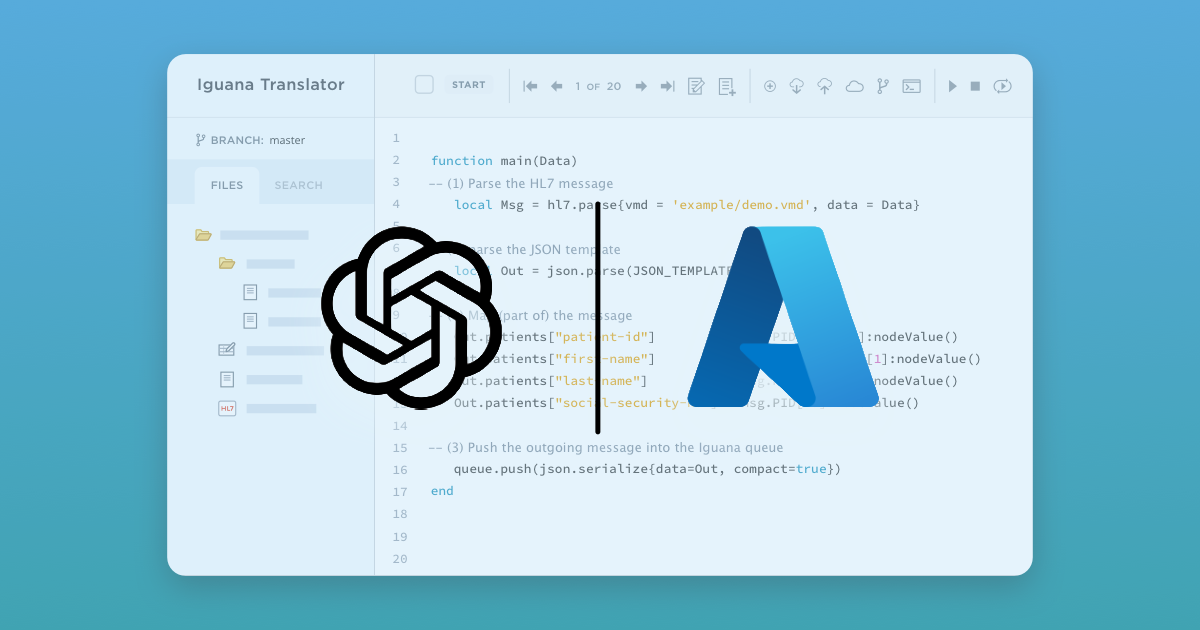
With the new Azure OpenAI Adapter, Iguana makes it easy to start exploring those possibilities.
This component allows Iguana channels to interact directly with Azure OpenAI models, opening the door to new ways of using Artificial Intelligence for analyzing, validating, and working with integration data. Rather than being a replacement for existing logic, it is an additional tool that can be used to assist where it makes sense.
To show what this can look like in practice, let's walk through an example use case:
A real world development problem
In the video shown above, a developer is working on a PHI masking tool. The tool removes sensitive patient information from healthcare messages such as HL7 v2 and CDA documents, then restores that information later.
One of the key challenges is verifying that the restored message matches the original input.
At first glance, this sounds straightforward. In reality, it can be surprisingly tricky.
When working with XML based formats like CDA, two messages can be equivalent in terms of content while still looking different. Empty elements might be represented as self closing tags in one message and as explicit opening and closing tags in another. Structurally and semantically, they mean the same thing, but a direct comparison will flag them as different.
This creates extra noise during testing and slows down development, especially when messages are large and complex.
Using AI as an assistive tool
To expedite the validation, instead of writing custom logic to handle every edge case, the developer uses the Azure OpenAI Adapter to help answer a simpler question: "Are these two messages equivalent in terms of content?"
Both the original message and the restored message are sent to Azure OpenAI with a clear prompt.
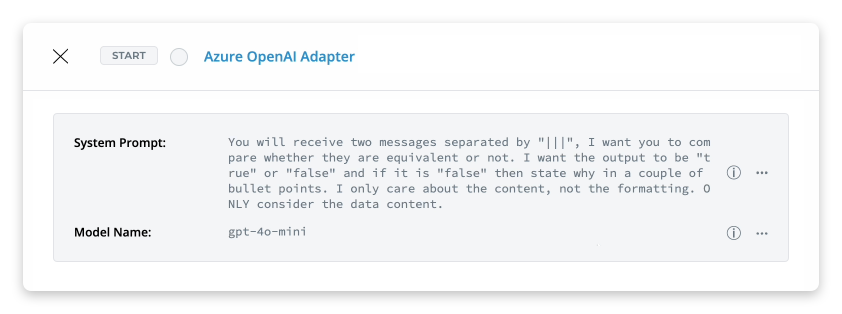
The model compares them while ignoring superficial formatting differences and returns a simple result. Either they match, or they do not. If they do not, it can explain why.
This turns a frustrating comparison problem into a fast feedback loop. The developer can focus on whether the masking and restoration logic is correct, rather than getting distracted by harmless formatting differences.
Why this is an interesting pattern
What makes this example compelling is not the complexity of the AI usage, but how naturally it fits into the development workflow.
The Azure OpenAI Component is being used to assist with testing and validation, areas where developers already spend a lot of time interpreting results and making judgement calls. The AI is not changing messages or making decisions on its own. It is helping answer questions that are awkward to express as strict rules.
Once you see this pattern, it is easy to imagine similar uses.
You might use AI to explain why two messages differ in plain language, summarize validation errors, help analyze unexpected data, or assist during troubleshooting and development. These are all places where a little extra context and flexibility can go a long way.
Sparking new ideas using AI in Iguana
This PHI masking/message validation example is just one way the Azure OpenAI Component can be used in Iguana. It is just one example, meant to spark ideas for other ways AI can assist within Iguana.
For some teams, it might be about improving testing and quality checks. For others, it might be about speeding up development, debugging, or understanding complex data flows.
The important part is that Iguana now makes it easy to experiment with these ideas in a controlled and practical way.
If you are curious about how AI could enhance your own integration workflows, the Azure OpenAI Component gives you a great place to start exploring. If you'd like a personal walkthrough or demo of the adapter in action, feel free to reach out anytime.